
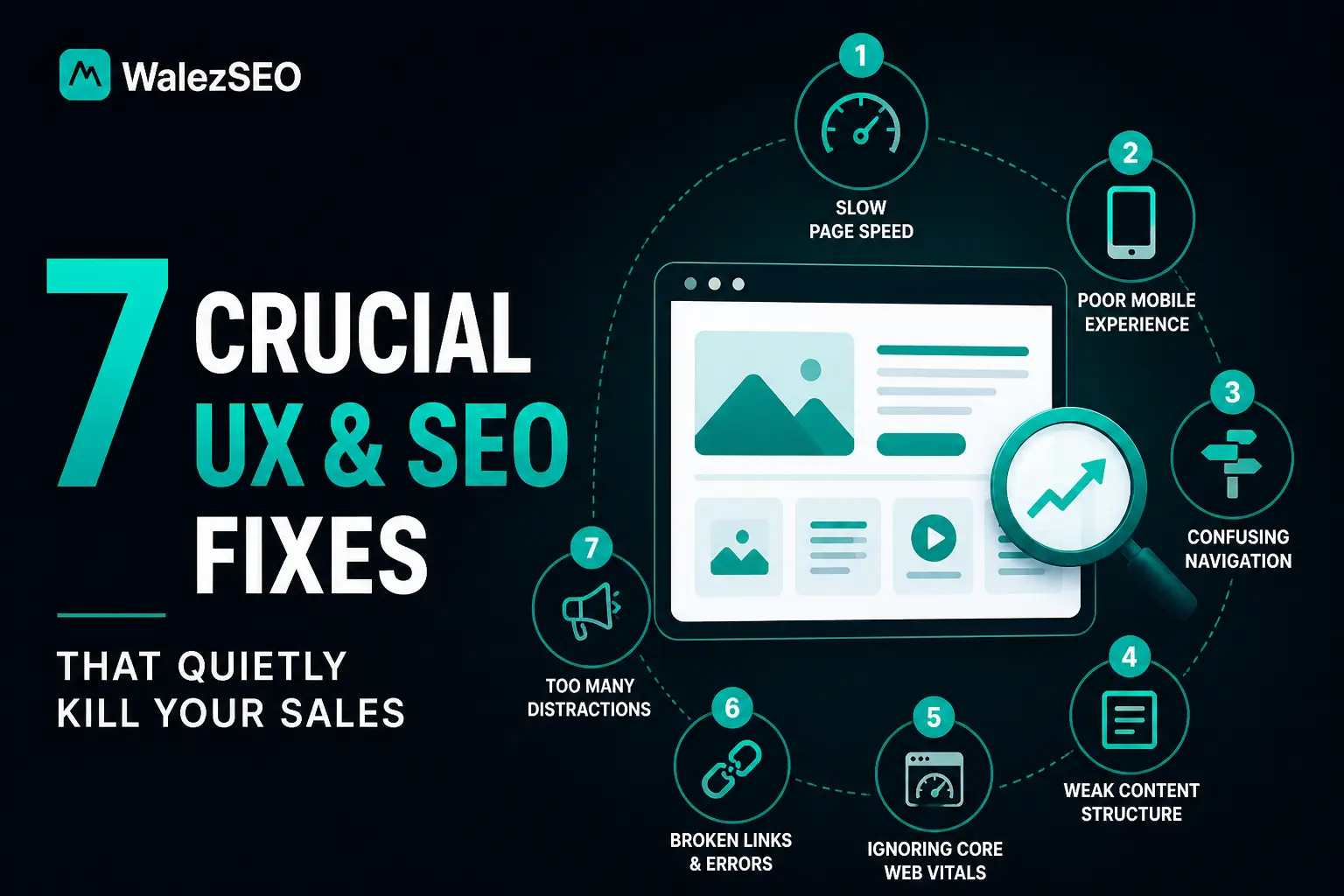
If your website gets traffic but no sales, this is for you. Most businesses think SEO is the problem. But often the real issue is user experience.
These 7 Crucial UX & SEO Fixes That Quietly Kill Your Sales will help you understand what is blocking your conversions. Small UX mistakes can damage rankings on Google and reduce trust instantly. When users feel confused, they leave fast. That kills both SEO and revenue.
Let’s fix what is silently hurting your growth.
7 Crucial UX & SEO Fixes
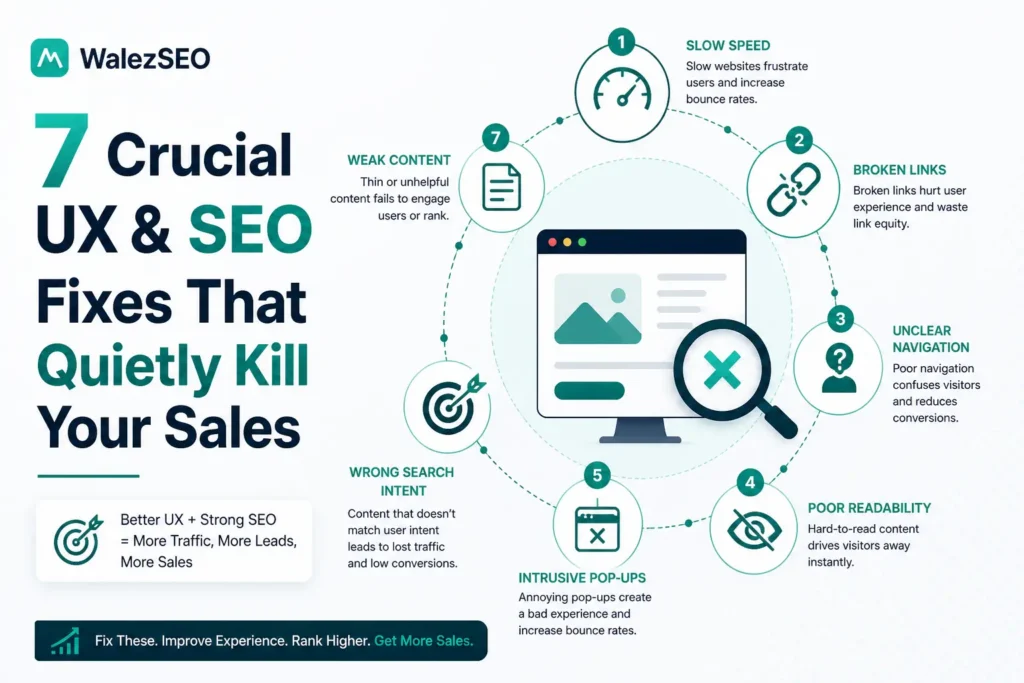
1. Slow Page Speed That Frustrates Users
A slow website is one of the quickest ways to lose both rankings and potential customers.
It doesn’t matter how good your content is if your page takes too long to load, most users won’t wait. They click, wait a second or two… then leave. That behaviour sends a clear signal to Google that your site isn’t providing a good experience.
And over time, that hurts your rankings.
The tricky part is, page speed issues are usually not caused by one big problem. It’s often a mix of small things, large images, unoptimised code, too many scripts running in the background, or slow hosting. Individually, they seem minor. Together, they slow everything down.
Many website owners don’t notice this because the site still “works”. But performance isn’t just about working, it’s about loading fast enough to keep users engaged.
Improving speed doesn’t require a complete rebuild. Simple fixes like compressing images, reducing unnecessary plugins, and using better hosting can make a noticeable difference.
And once your pages load faster, everything improves, users stay longer, interact more, and your chances of ranking higher increase naturally.
2. Poor Mobile Experience That Breaks Trust
Most users will experience your website on a phone first. Not desktop. So if your site doesn’t work properly on mobile, trust drops instantly.
It’s not just about design, it’s about how the site feels to use. If someone lands on your page and has to zoom in to read text, struggle to tap buttons, or deal with broken layouts, they won’t try to fix it. They’ll leave.
And once they leave, they rarely come back. That behaviour sends a clear message to Google that your page isn’t user-friendly. Over time, that impacts your rankings especially because mobile-first indexing is now the default.
What makes this worse is that many websites look perfectly fine on desktop, so the issue goes unnoticed. But on mobile, small problems feel big. The fix is not complicated but it needs attention.
Your layout should adjust smoothly to different screen sizes. Text should be readable without zooming. Buttons should be easy to tap. Navigation should feel simple, not crowded.
When your mobile experience feels effortless, users stay longer. They scroll, explore, and trust what they see. And that’s exactly what improves both rankings and conversions.
3. Confusing Navigation That Blocks Users
If users can’t figure out where to go next, they won’t stay. It’s that simple.
A lot of websites lose visitors not because of bad content but because navigation feels confusing. Menus are overloaded, pages are hard to find, and there’s no clear path to follow. The user lands on the site… and gets stuck.
When that happens, they don’t explore. They leave. And that behaviour matters. Because when users don’t move through your site, it signals to Google that your content isn’t engaging or helpful. Over time, this affects both rankings and overall performance.
Confusing navigation usually comes from trying to do too much at once. Too many menu items. No clear hierarchy. Important pages buried under layers. Instead of guiding the user, the site overwhelms them.
The fix is clarity. Your navigation should feel obvious. Users should instantly know where to click whether they’re looking for services, information, or contact details. Keep your main menu simple. Group related pages together. Make important actions easy to access.
When navigation is clean, users move naturally through your site. They visit more pages, stay longer, and are far more likely to take action. And that’s when your website starts working the way it should.
4. Weak or Missing Content Structure
Sometimes the problem isn’t what you wrote, it’s how it’s organised. You can have useful information on a page, but if it’s not structured properly, users won’t engage with it. It feels messy. Hard to follow. Easy to leave.
That’s where most websites struggle. No clear headings. Long blocks of text. No logical flow from one section to the next. From a user’s perspective, it’s overwhelming. From an SEO perspective, it’s confusing.
Because Google relies on structure to understand your content. Headings like H1, H2, and H3 aren’t just for design they help define what your page is about and how information is organised.
When that structure is missing, your page loses clarity. The fix is simple but important. Break your content into clear sections. Use headings to guide the reader. Keep paragraphs short. Make it easy to scan.
Your page should feel like a conversation, not a wall of text. Once your structure improves, users stay longer. They understand more. And search engines can properly interpret your content. That’s when your page starts performing the way it should.
5. Ignoring Core Web Vitals Issues
This is where many websites fall behind without even realising it. Core Web Vitals are performance signals that measure how your website actually feels to use things like loading speed, visual stability, and how quickly users can interact with a page. In simple terms, they tell Google whether your site delivers a smooth experience or a frustrating one.
The problem? Most site owners never check them. So issues build up quietly. A page might load… but shift around while loading. Buttons might appear late. Content might feel delayed or unresponsive.
These small things don’t always seem serious but they create friction. And users notice that instantly.
When users struggle to interact with your site, they leave faster. Engagement drops. And over time, rankings are affected.
That’s why Core Web Vitals matter. They go beyond basic speed and focus on real user experience. Fixing them doesn’t mean making things perfect, it means removing frustration.
Simple improvements like stabilising layouts, reducing heavy scripts, and improving load responsiveness can make a big difference. Once your site feels smooth and reliable, users stay longer, interact more, and trust the experience. And that’s exactly what helps your SEO performance improve in a lasting way.
6. Weak Call to Action Placement
A lot of websites get traffic… but nothing happens after that. Users read the page, scroll a bit, then leave. Not because they’re not interested but because they don’t know what to do next.
That’s what weak CTA placement does. If your call to action is hidden, unclear, or placed at the wrong moment, users won’t take action. And when users don’t act, your traffic has no real value.
From an SEO perspective, this matters more than people think.When users don’t click, don’t interact, and don’t move through your site, it sends low engagement signals to Google. Over time, that can affect how your pages perform in search results.
The issue is usually not the CTA itself, it’s the placement. Many sites either:
- Put it only at the bottom (where users never reach)
- Make it too vague (“Learn More”)
- Or don’t highlight it enough
The fix is simple: guide the user at the right time. Your CTA should appear when the user is ready, not just at the end. After explaining a service. After solving a problem. After building trust.
That’s where it works best. And it should be clear. Tell the user exactly what to do:
Get a Free Audit
Request a Quote
Book a Call
No confusion. No extra thinking. When your CTA is placed correctly, users don’t just visit, they act.And that’s when your website starts converting, not just ranking.
7. Broken Links and Technical Errors
This is one of those problems that builds up quietly and then starts affecting everything. At first, you don’t notice it. A page gets deleted. A URL changes. A link is added incorrectly.
Individually, these feel small.
But over time, they turn into broken links, 404 errors, and crawl issues across your site. For users, it’s frustrating. They click expecting useful information… and land on an error page. That breaks trust instantly.
Most don’t try again. They leave. And that behaviour sends a negative signal to Google. From a technical side, it’s just as serious.
When search engines crawl your website and repeatedly hit errors, it disrupts how your pages are discovered and indexed. Important pages might get ignored. Your overall site quality can start to drop.
That’s how small technical issues turn into ranking problems. The fix isn’t complicated but it requires consistency. You need to regularly check your site for broken links, outdated URLs, and crawl errors. When a page no longer exists, don’t just leave it redirect it properly to a relevant page.
Keep your internal links updated. Make sure users always land somewhere useful. A clean, error-free website builds trust. And when both users and search engines can move through your site without friction, your performance improves naturally.
Want a website that not only looks good but also ranks and converts? Start here:
- Website design services in Birmingham
- Ecommerce SEO services
- Local SEO services in London
- AI SEO services
- Request a free SEO audit
FAQs
Why does UX affect SEO performance?
Because SEO is no longer just about content it’s about how users interact with that content. Search engines like Google look at behaviour signals such as how long users stay on your site, whether they click through pages, or if they leave immediately. If users land on your site and don’t engage, it sends a signal that the experience isn’t good enough.
Better UX keeps users on your site longer, improves interaction, and tells search engines your page is worth ranking.
What is the biggest UX issue that kills sales?
Two things stand out: the slow speed and confusing navigation. If your website takes too long to load, users don’t wait. And if they can’t easily find what they’re looking for, they won’t try to figure it out. Both situations create frustration, and frustrated users don’t convert.
These issues don’t just affect SEO, they directly impact your revenue.
How can I improve website conversions quickly?
You don’t need a full redesign to see improvement. Start with the basics. Make your pages load faster. Ensure your site works smoothly on mobile. Add clear, visible calls to action so users know exactly what to do next.
Small changes like these can quickly improve how users behave on your site and that often leads to more enquiries and conversions.
Are UX fixes important for SEO ranking?
Yes, very important. Search engines rely heavily on user engagement signals. If your site is easy to use, fast, and clear, users stay longer and interact more. That behaviour tells Google that your page is valuable. Over time, that can improve your rankings without needing major content changes.
Do broken links hurt SEO?
Yes, they do. Broken links create a poor experience for users and make your website look unreliable. When search engines crawl your site and encounter too many errors, it reduces trust and affects how efficiently your pages are indexed.
Fixing broken links and keeping your site clean helps maintain both usability and SEO performance.